
You already know your future customers are out there. They’re on Reddit asking how other teams handle the problem your product solves. They’re in LinkedIn comments and X threads comparing tools, and they’re on Hacker News asking for recommendations. You’ve probably seen a few of these conversations yourself.
The hard part is finding all of them and replying while they still matter. That takes someone searching several platforms every day, sorting through noise, and writing a thoughtful reply before the thread goes quiet. At Stateshift, that’s what we built Signals Intelligence for.
That gap costs more than it looks like. 6sense’s 2025 B2B Buyer Experience Report found buyers fill about four shortlist spots on Day One, then buy from one of those vendors 95% of the time. When nobody from your team shows up in those threads, a competitor might be the only name anyone mentions.
The short answer: listen for the problem, not just your brand name, and join the conversations where you can help.
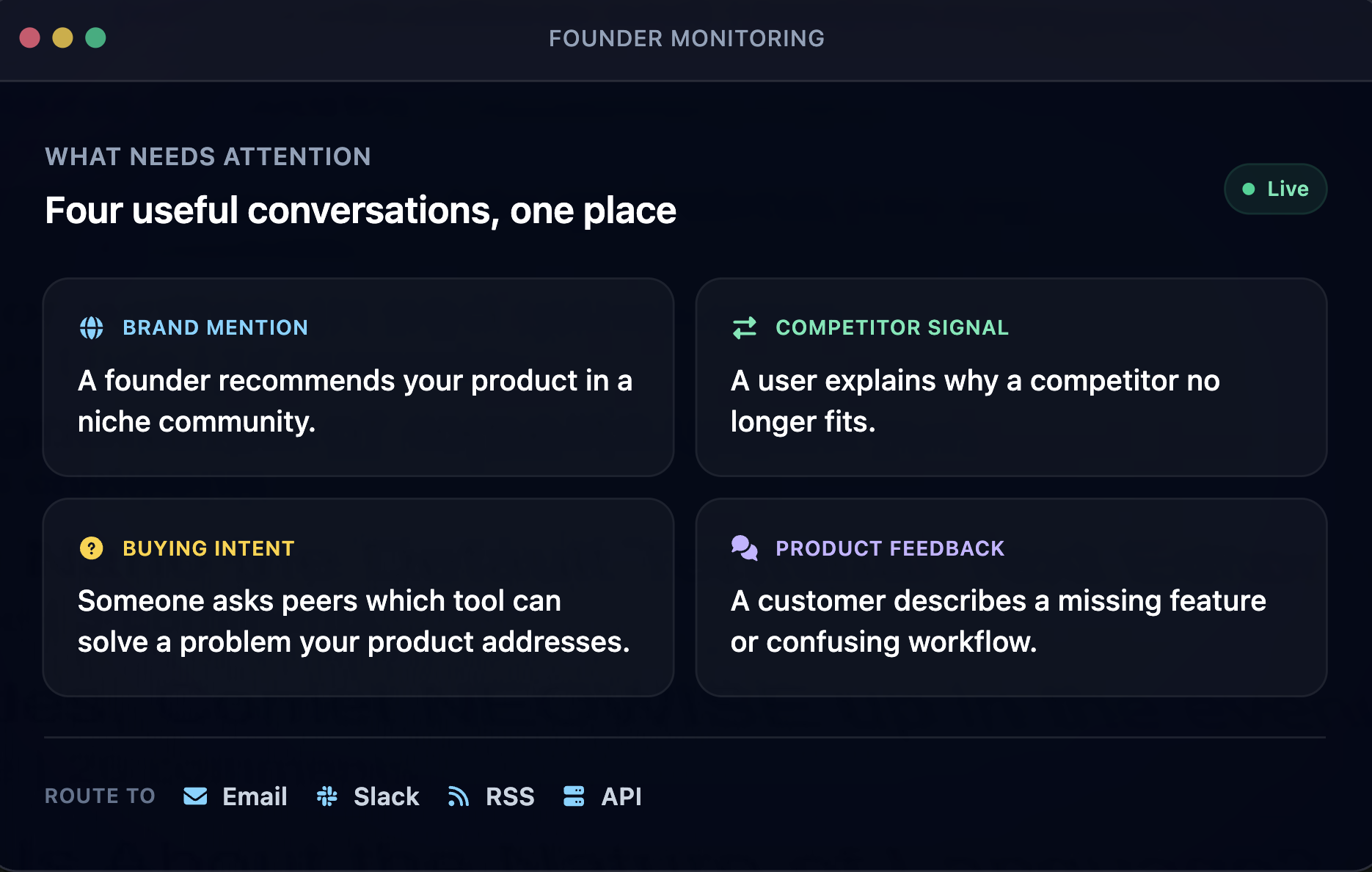
Which developer conversations are worth tracking?
Many teams only track their own brand name. That catches people who already know you, which is a narrow slice of the opportunity.
Even if you know where to look, checking manually takes real time. Octolens estimates each platform search takes five to ten minutes, several times a day. With conversations spread across Reddit, Hacker News, X, LinkedIn, GitHub, and more, that adds up quickly.
The bigger opportunity is the problem itself. Potential customers are publicly describing the exact pain your product solves, and many have never heard of you. A developer asking how others handle a problem is giving you a buying signal, out loud, in public, with no sales rep in the room. Listening also reveals patterns: repeated questions point to content worth creating, missing docs, and messaging that resonates.
Four signals worth tracking
- Brand mentions: what people who already know you are saying.
- Pain point and category conversations: people describing your problem in their own words.
- Competitor mentions: where people are frustrated with alternatives. Useful context, but we avoid jumping directly into those threads.
- Trends: recurring topics and questions over weeks or months.
These conversations happen on Reddit, Hacker News, X, LinkedIn, GitHub, Stack Overflow, YouTube, podcasts, and newsletters. They’re scattered, they move quickly, and they rarely tag you.
How do you jump into developer conversations without getting burned?
Finding the thread is only half of it. The other half is what you do once you’re standing in it. Developers have seen plenty of drive-by pitches, and they can spot one from the first line, so a reply that reads like an ad can do more damage than staying quiet. What works instead is to show up, be useful, and let the answer do the work. In our Octolens test, the owner joined Reddit threads only where a real question was on the table, answered category questions honestly, and responded to negative or confused mentions before they hardened into a public opinion. Here’s what we’d do, with examples.
- Lead with help. Answer first, mention your product only when it genuinely fits, and be open about who you work for.
What it looks like: Someone asks why webhook retries keep flooding their queue. You explain how to space the retries out and avoid processing the same event twice, then add: “I work on a tool in this space, so weigh that accordingly.”
- Read the room first. Read the full thread and the community’s rules. Many subreddits discourage self-promotion, and developers notice quickly.
What it looks like: You spend ten minutes on the pinned rules, notice links to your own content get removed, and answer in full in the comment.
- Show up as a person. An engineer, DevRel lead, or founder usually lands better than a brand account. Nobody wants to chat with a logo.
What it looks like: A staff engineer replies from their own account: “I’m an engineer at [company], so I’ve run into this a lot.”
- Time it. Replying while a thread is active gets more visibility. A brilliant answer to a thread that died on Tuesday is a letter to nobody.
What it looks like: You answer this morning’s question with a dozen replies today. The same question from three weeks ago becomes a blog post.
- Be selective. Not every mention needs a reply. Pick the ones where you can add real value.
What it looks like: Your alerts surface ten mentions in a day. Three describe a real problem you can speak to. You reply to those and let the job posting and the person who’s just venting go.
- Stay out of competitor pile-ons. Use those threads for awareness, not for jumping in.
What it looks like: A thread fills with complaints about a competitor’s pricing change. You note what frustrates people, pass it to your content writer, and skip the reply.
- Share what answers the question. A relevant docs page, guide, or post is welcome when it solves the problem.
What it looks like: Someone asks how to migrate between tools. You summarize the three steps that trip people up, then link your migration guide.
- Turn patterns into content. If the same question keeps coming up, write the answer once and reuse it.
What it looks like: A rate-limits question shows up a third time in a month, so you write it up once and reply with a short answer and a link.
Aim to be the most useful person in the thread, whether or not anyone clicks through to your product. Doing that consistently takes a system for finding the right threads, so here’s how to build one.
How do you set up developer social listening yourself?
You can set this up yourself, and plenty of teams do. The usual first move is to sign up for a tool, type in your company name, and wait. What comes back is a feed that’s both too narrow and too noisy: a few mentions from people who already know you, buried under keyword matches that have nothing to do with you. The fix is mostly about order. Do the thinking first and the tool setup second. Here’s the order we would do it in.
1. Define the goal. Decide what you want: finding potential customers, tracking brand perception, spotting content ideas, or all three. The goal decides what you track, where, and how it reaches you. Trying to do all three on day one is how teams burn out by Friday.
2. Build a keyword list in buckets. Brand and product names including common misspellings, pain point phrases in plain language, category terms, competitor names for awareness, and the tools your product works alongside. I think the pain point bucket is the hardest and the most valuable, so read real threads to find the phrases.
3. Pick your platforms. Focus on where your audience actually talks. Stack Overflow’s 2025 Developer Survey found Stack Overflow, GitHub, and YouTube were the top community platforms developers used or planned to use.
4. Choose tools for each layer. A social listening tool, a GEO or AI search tracking tool, and free search data like Google Trends and Search Console. No single tool covers every layer, so expect to combine two or three, and start with the layer closest to the goal you set in step 1.
5. Route alerts to Slack or email, and assign a clear owner. No owner, no action. Name one person who owns the feed, plus a backup, and agree on what happens when an alert lands: reply, pull in an expert, save it as a content idea, or dismiss it. We saw why this matters in our Octolens test. On one of the two client accounts, nobody owned the feed, so the daily Slack digest slowly filled with competitor posts and low-relevance mentions, and the team started scrolling past it. The tool held up. The process around it didn’t.
6. Tune for the first few weeks. Your first keyword list will be wrong in useful ways. Cut noisy keywords, add the phrases real people use, and adjust filters. Each week, review what came in and ask why each useless result showed up, then add an exclusion, tighten a phrase, or pause a keyword.
7. Build the daily habit. Sort what comes in into three piles: reply, learn from, and ignore, in one short sitting. In our test, a team of three rotated ownership by day, and the owner spent 15 to 20 minutes each morning in the Slack feed. Mention volume isn’t a result: four hundred mentions and no action is less useful than one insight you can use this week.
8. Add AI search listening. Write the prompts buyers would ask AI tools about your category, using the language you’ve collected from real threads, and review the answers regularly. Note whether you’re named and which sources get cited. A cited community thread is worth joining. There’s no reliable link between one reply and AI visibility, so read trends over weeks and months.
9. Review monthly. Check what produced useful conversations and adjust: which keywords and platforms earned their keep, which replies got a response. Retire what didn’t work and add what you learned. It’s not glamorous. It’s how your list stops being wrong.
What tools should you use for developer social listening?
The market is crowded, every vendor says it covers everything, and the differences are hard to see from a pricing page. Here’s what each tool is for, who it fits, and what sets it apart. Most teams need tools for four layers: social and community listening, GEO or AI search listening, search demand listening, and owned community listening (your Discord, Slack, forum, GitHub issues, and support tickets).
The layers connect: a question that keeps showing up on Reddit can become a blog post, and AI search tools can cite community threads.
Social listening tools
This is the layer most teams start with, and the one where the choices vary the most. At one end are enterprise suites built for brand and PR teams that track the whole internet. At the other are lean monitors built for developer communities, which is closer to where developers actually talk. Where you land depends on your team’s size and budget more than on any feature list. Prices are published vendor figures at the time of writing, so check before you buy.
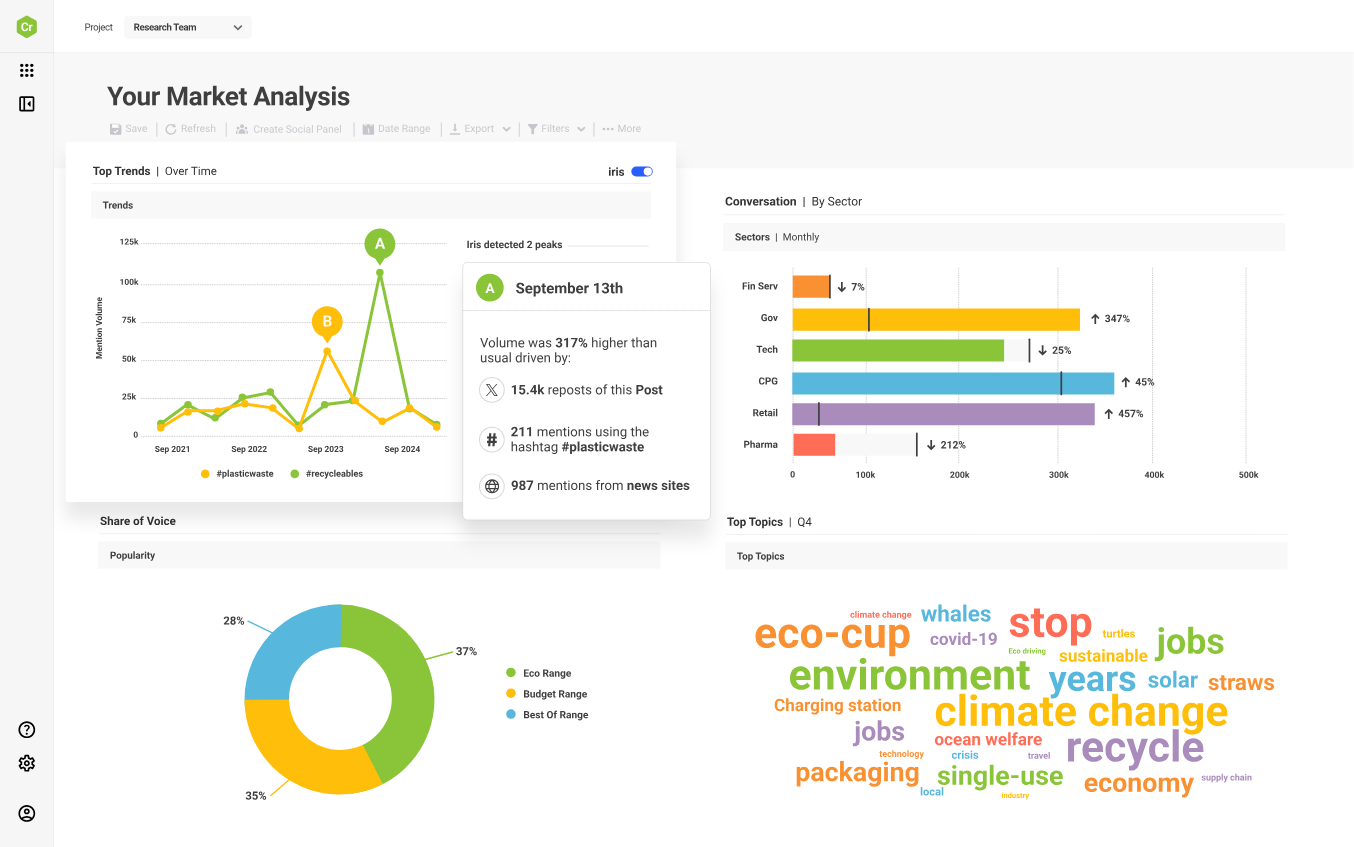
Brandwatch. Consumer research across 100M+ online sources, with Iris (its AI assistant), image analysis, and custom classifiers you train yourself. Fits research and insights teams, not teams that just want mention alerts.
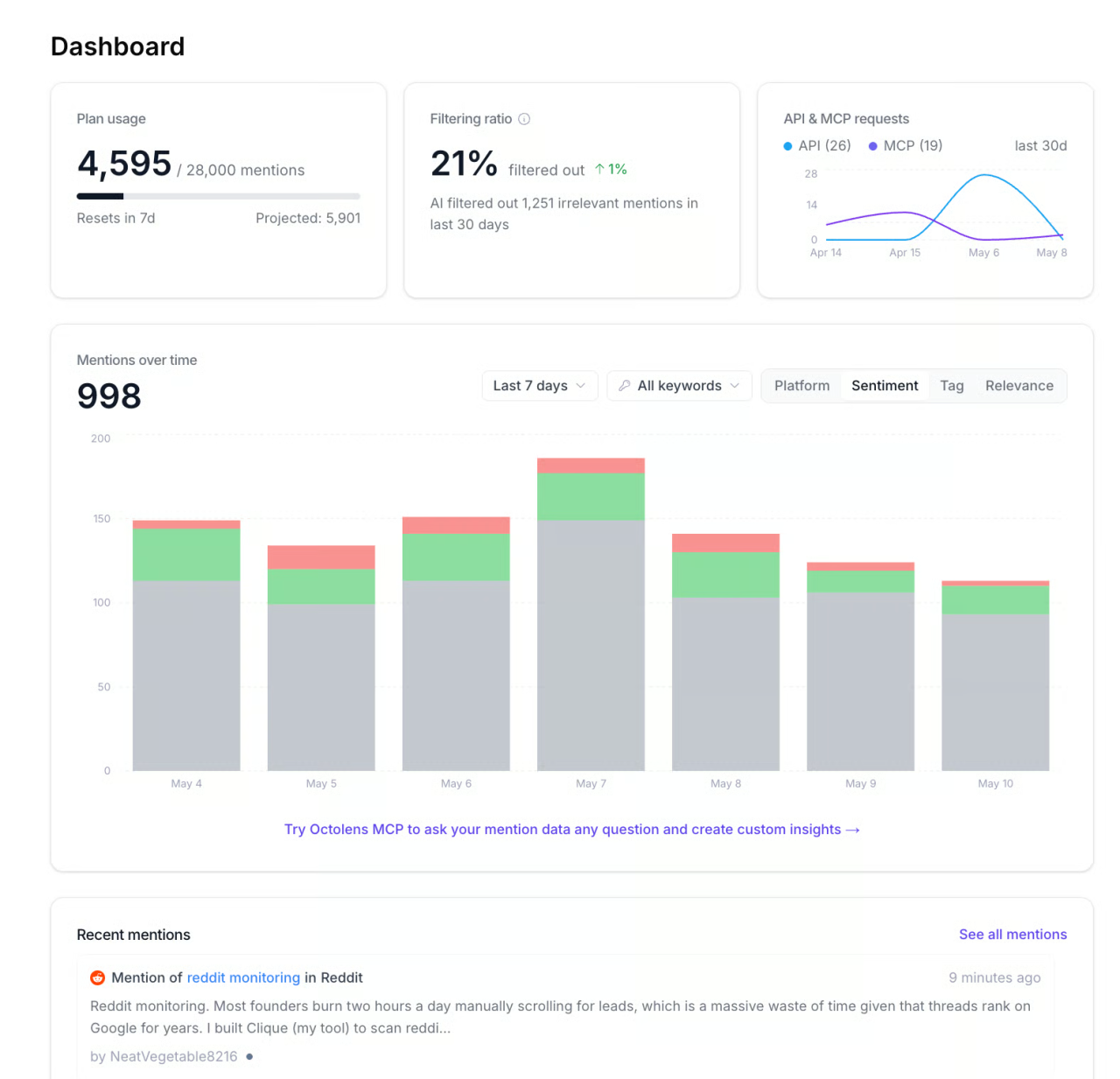
Octolens. Built for B2B SaaS and developer tool brands. AI filters score every mention for relevance, with Slack alerts, hourly refresh, and API and MCP access. In our 30-day test across Stateshift and two client accounts, it repeatedly surfaced Reddit threads from the last 24 hours that none of us would have found by browsing. Pro is $159 a month billed annually. Our Octolens review covers it in depth.
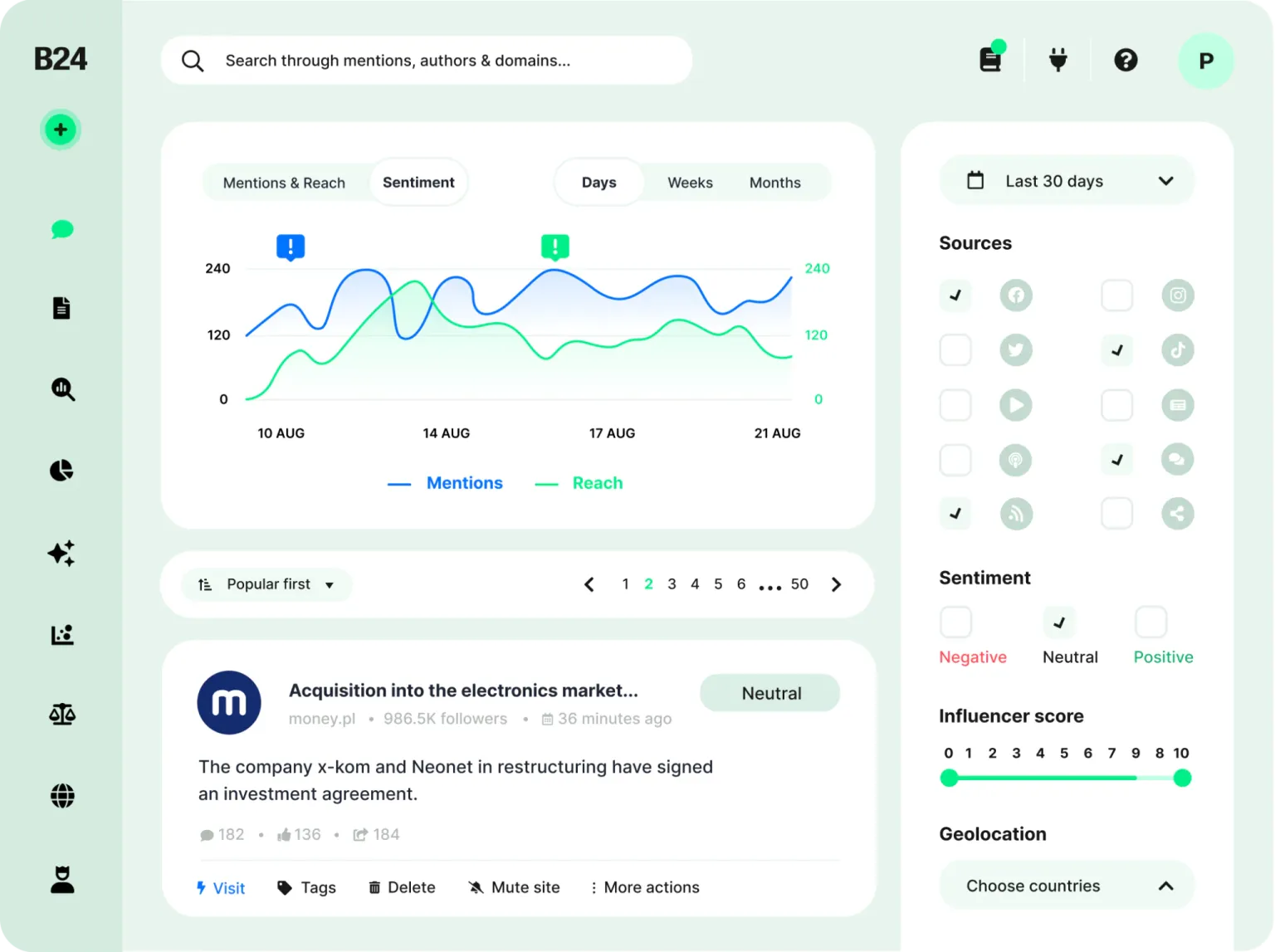
Brand24. Lightning Search, AI Sentiment Analysis, AI Events Detection, and an AI Brand Assistant on its Pro plan. Plans start at $199 a month billed annually. A fit for teams that care how people feel about a brand.
Syften. Lower-cost community monitoring across Reddit, Hacker News, GitHub, Stack Exchange, DEV.to, and more. Entry is $29.95 a month, and Standard at $49.95 adds AI filtering, Slack integration, and API access. Fits small teams and founders.
A practical way to read this list: for brand, PR, and global reach, start with Brandwatch or Brand24. If your buyers are developers, start with Octolens or Syften, and test on your own keywords before committing. There are many more tools than these, and new ones show up all the time.
GEO and AI search listening tools
Social listening tells you what people are saying. GEO listening tells you what AI tools say back when your buyer asks. That matters because buyers increasingly use AI tools in their research. Google and NRG’s October 2025 whitepaper reports around 60% of US B2B buyers surveyed use AI tools in their buying journey, so the answer they get can shape the shortlist before they ever visit a vendor’s site.
These are two of many GEO tracking tools, but these two we’ve tested directly at Stateshift. Both track those answers, but they lean in different directions.
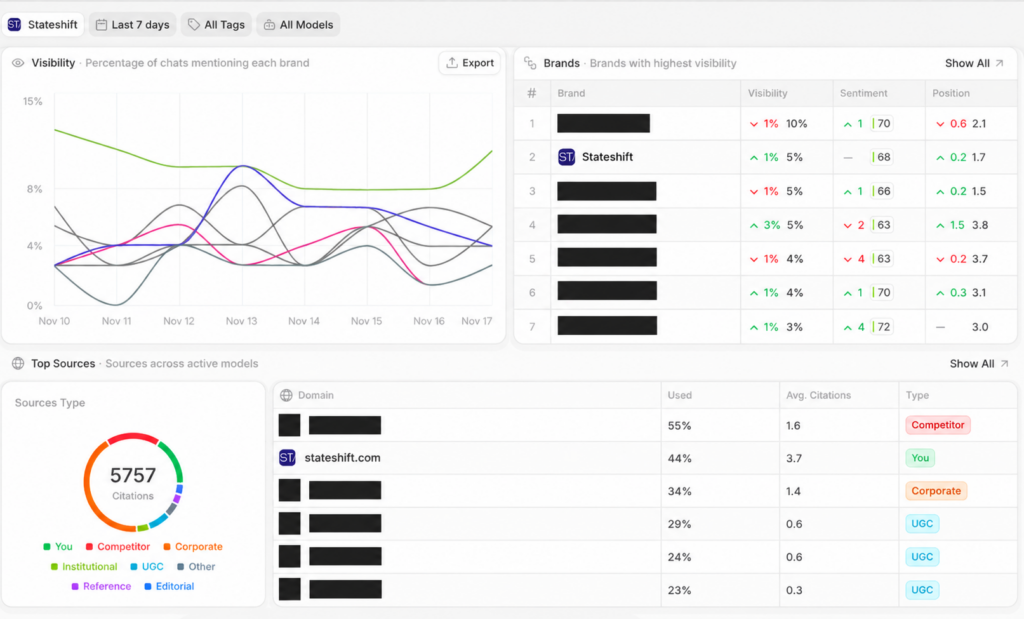
Peec AI. Built around the prompts you write. Starter is $95 a month (50 prompts, 1 project), and Advanced is $495 (350 prompts, 5 projects, multi-country tracking, Looker Studio integration). Its edge is source analysis: it shows the most-cited sources behind each tracked prompt. Fits teams that want to know which threads and pages AI tools lean on.
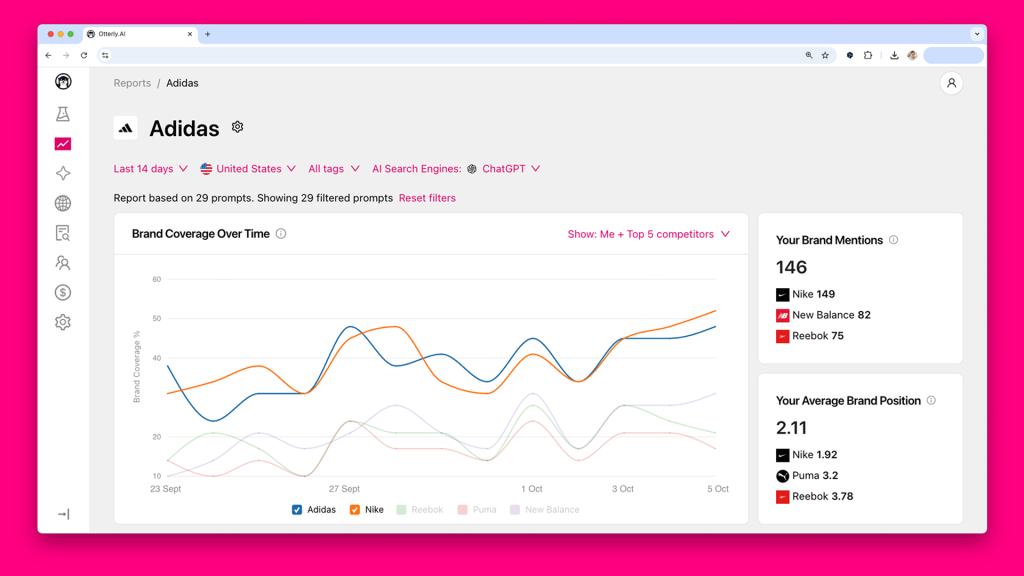
Otterly.AI. Standard is $160 a month (100 prompts across ChatGPT, Google AI Overviews, Perplexity, and Microsoft Copilot), and Premium is $422. Its edge is the GEO audit, which scores your pages across 25+ AI-visibility factors and tests crawler access, plus a Brand Visibility Index and ChatGPT Ads Tracking.
Pair either one with social listening: a Reddit thread that AI tools cite is worth reading and, where you can help, joining.
Search demand and acting on signals
These last tools aren’t listening tools in the strict sense, but they earn a place on the list. Before you listen, you want to know how people actually phrase the problem and whether more of them are searching for it than a few months ago.
Google Trends and Search Console answer both questions. After you’ve found a conversation worth joining, you need a way to act on it and see what lands. That’s where Ordinal comes in.
Google Trends and Search Console. Free, and often underused. Trends shows interest over time as a relative index, and Search Console shows the queries that surfaced your site.
Ordinal. A social media management platform for B2B teams, LinkedIn-first and also covering X, Instagram, Threads, and TikTok. It handles scheduling and analytics and tracks who engages with your posts, but it doesn’t do social listening, so it pairs with a listening tool.
Why is it hard to do well?
I’ll admit this is the part to plan the most time for. On paper the setup steps look tidy. Then week three arrives, the feed is mostly noise, and the person who owns it has a launch to ship and a full inbox. Nobody is doing anything wrong at that point; the work is just harder than it looks from the outside. These are the places teams tend to get stuck:
- Keyword strategy takes research. People describe problems in everyday language, not your category terms.
- Noise is the default. Common words and overlapping product names flood you until your filters are tuned.
- Learning the tool and tuning it take time. Filters, feeds, relevance settings, alert routing, credit limits, and shifting priorities.
- Sorting the feed is a daily habit. Someone has to read what came in each day and decide what’s worth a reply.
- Responding well takes thought. A fast, salesy reply can do more harm than staying quiet, especially with developers.
None of these is a reason to skip it. They’re reasons to start small, budget the hours honestly, and run one layer well before adding another.
How much time does developer social listening take?
The natural next question is how much time all of this takes. Most of the cost is front-loaded: a few days of setup, then a short daily habit. Here are rough numbers for one brand with a small team. Treat them as estimates, not benchmarks, since yours will shift with your keyword count, platforms, and how busy your category is.
- Choosing and learning a social listening tool: about 2 to 4 hours.
- Building a keyword strategy: about 3 to 6 hours.
- Filtering and tuning: about 1 to 2 hours a week for the first 3 to 4 weeks.
- Sorting the feed daily: about 15 to 30 minutes a day.
- Responding: about 10 to 20 minutes per conversation. Some people suggest using an AI tool to respond automatically. We wouldn’t recommend it: a human should review each reply and decide whether it’s a good one before it’s posted.
That’s around 10 to 15 hours of setup in the first month, then roughly 2 to 4 hours a week of sorting and replies to keep it useful.
Each extra layer adds time: GEO tracking needs maintained prompts, and search demand and owned community listening need their own check-ins. The ongoing habit is where most teams struggle. For most teams, the real question is who has the hours to keep it going.
So what do you do if your team doesn’t have the time?
You can do all of this yourself with the right tools and enough hours. But the setup takes days, and the daily habit across several layers doesn’t pause for launch week.
For many teams, the problem isn’t seeing the value of listening. They just don’t have the time or capacity to build it out. That’s why, for our customers, we built something called Signals Intelligence. We set up and run listening for you, filter out the noise, and send you the conversations worth acting on.
What makes it different is context. A listening tool only knows the keywords you give it. We know what came up on your last coaching call, what you’re launching next, and which audiences matter most to you right now. We use that context to decide what deserves your time and what’s noise.
What Signals Intelligence does
- Built on what we already know about your business. Context from our coaching calls and the work we do together shapes what gets tracked and what gets flagged as important.
- Listens across more than one layer. Social and community conversations, plus how AI search tools talk about your category.
- Filters the noise so your team doesn’t have to. You get a short, prioritized signal in your Slack: the conversation worth joining, or the action we recommend.
- Helps you respond faster. We suggest angles or draft replies, so you can join while the conversation is still active.
- Stays on the conversations that matter. The focus is on where your potential customers are, not competitor threads.
How the pieces fit together
Listening tools find the conversations. The real value comes from what happens after. A mention is any keyword match. A signal is a mention someone can act on. That difference is the whole job.
Our workflow is listen, prioritize, act, measure, and refine:
- Listen: we monitor social and community conversations and AI search answers.
- Prioritize: we filter the noise against your priorities.
- Act: you join with a thoughtful reply, and recurring themes become content. A tool such as Ordinal can keep scheduling and responding in one place.
- Measure: analytics, like those in Ordinal, show which posts and topics resonate and who keeps engaging, which helps identify warm prospects over time.
- Refine: what performs well feeds back into the priorities, so the signals get sharper over time.
Signals Intelligence is one of the ways we support our clients at Stateshift. If you’d like to learn how we can help with your go-to-market, you can book time with us to discuss your goals.
Common Questions On Signals Intelligence
What is developer social listening?
Developer social listening is the practice of tracking public conversations where developers describe the problem your product solves, then joining the ones where you can help. Brand mentions are only one of four signals worth tracking. The other three are pain point and category conversations, competitor mentions, and trends that recur over weeks or months. These conversations happen on Reddit, Hacker News, X, LinkedIn, GitHub, Stack Overflow, and YouTube, and they rarely tag you.
How do you reply to developer conversations without sounding like a pitch?
Answer the question first, and mention your product only when it fits. Say who you work for, reply from a personal account instead of a brand account, and read the community’s rules before you post. Timing matters too, because a reply to an active thread gets seen and a reply to a dead one doesn’t. Skip competitor pile-ons entirely and use those threads for awareness.
What tools do you need for developer social listening?
Most teams combine two or three tools, because no single one covers social listening, AI search tracking, and search demand. If your buyers are developers, start with Octolens or Syften. For brand and PR reach, look at Brandwatch or Brand24. At Stateshift, we ran a 30-day Octolens test across our own account and two client accounts, and it repeatedly surfaced Reddit threads from the last 24 hours that we wouldn’t have found by browsing. For AI search, we’ve tested Peec AI and Otterly AI directly.
How much time does developer social listening take?
Plan for around 10 to 15 hours of setup in the first month, then roughly 2 to 4 hours a week to keep it useful. Setup covers choosing a tool, building a keyword list, and tuning filters. After that, the work is 15 to 30 minutes a day sorting the feed and 10 to 20 minutes per reply. These are estimates for one brand with a small team, and each extra layer, like AI search tracking, adds time.
What is Signals Intelligence?
Signals Intelligence is Stateshift’s done-for-you listening service for our customers. We set up and run the listening across social, community, and AI search, filter out the noise, and send a short, prioritized signal to your Slack with the conversation worth joining or the action we recommend. Because we already know your business from our coaching calls, we can judge what deserves your time in a way a keyword tool can’t. We also suggest angles or draft replies so you can respond while the thread is still active.